Product manual
Every Forge screen,
explained.
Built from the running Forge application. Choose a screen to see its real interface, purpose, controls, workflow and operating guidance.
◱
Live UI reference
Screens
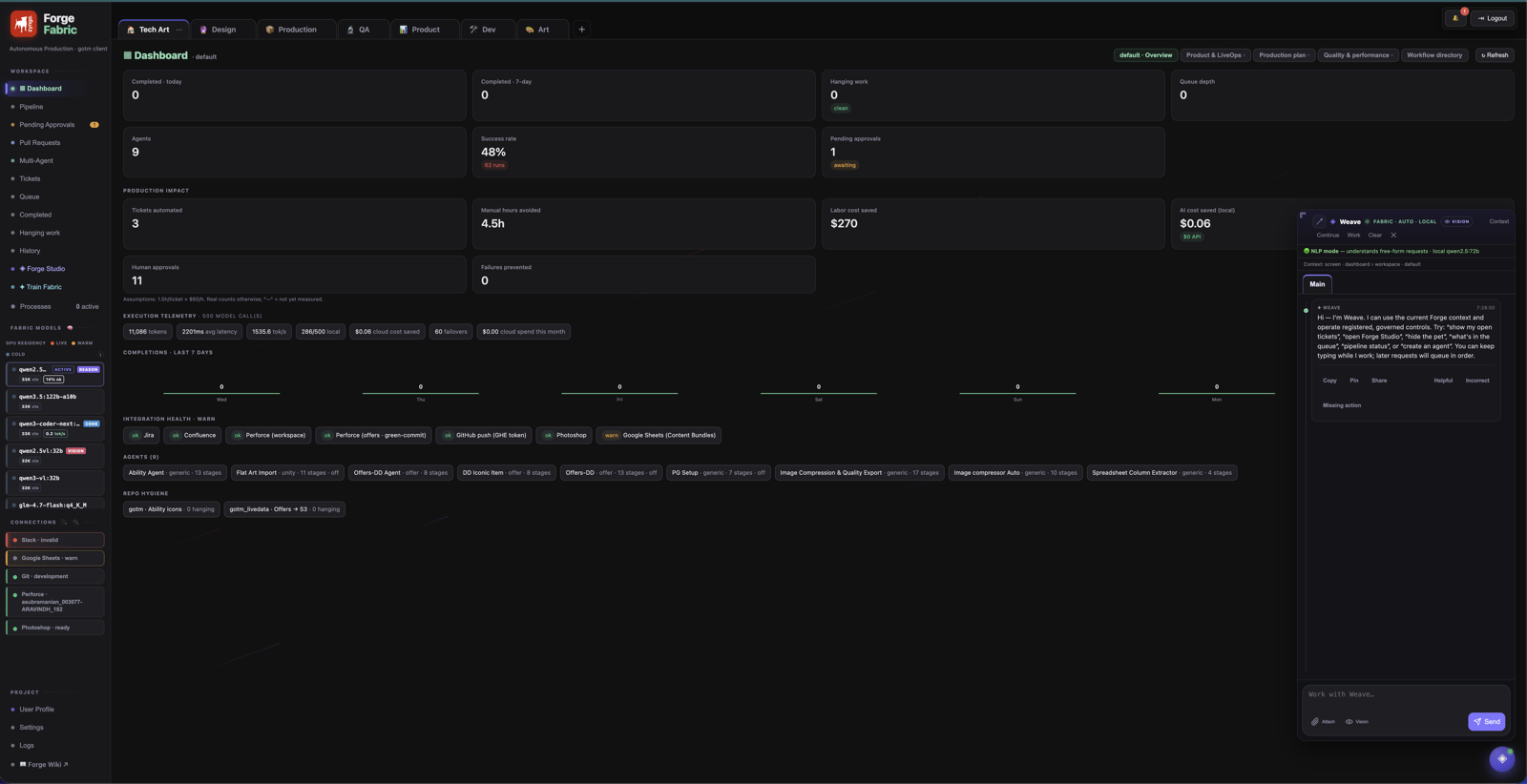
▦ DashboardWorkspace overview, KPI views and operating summary.
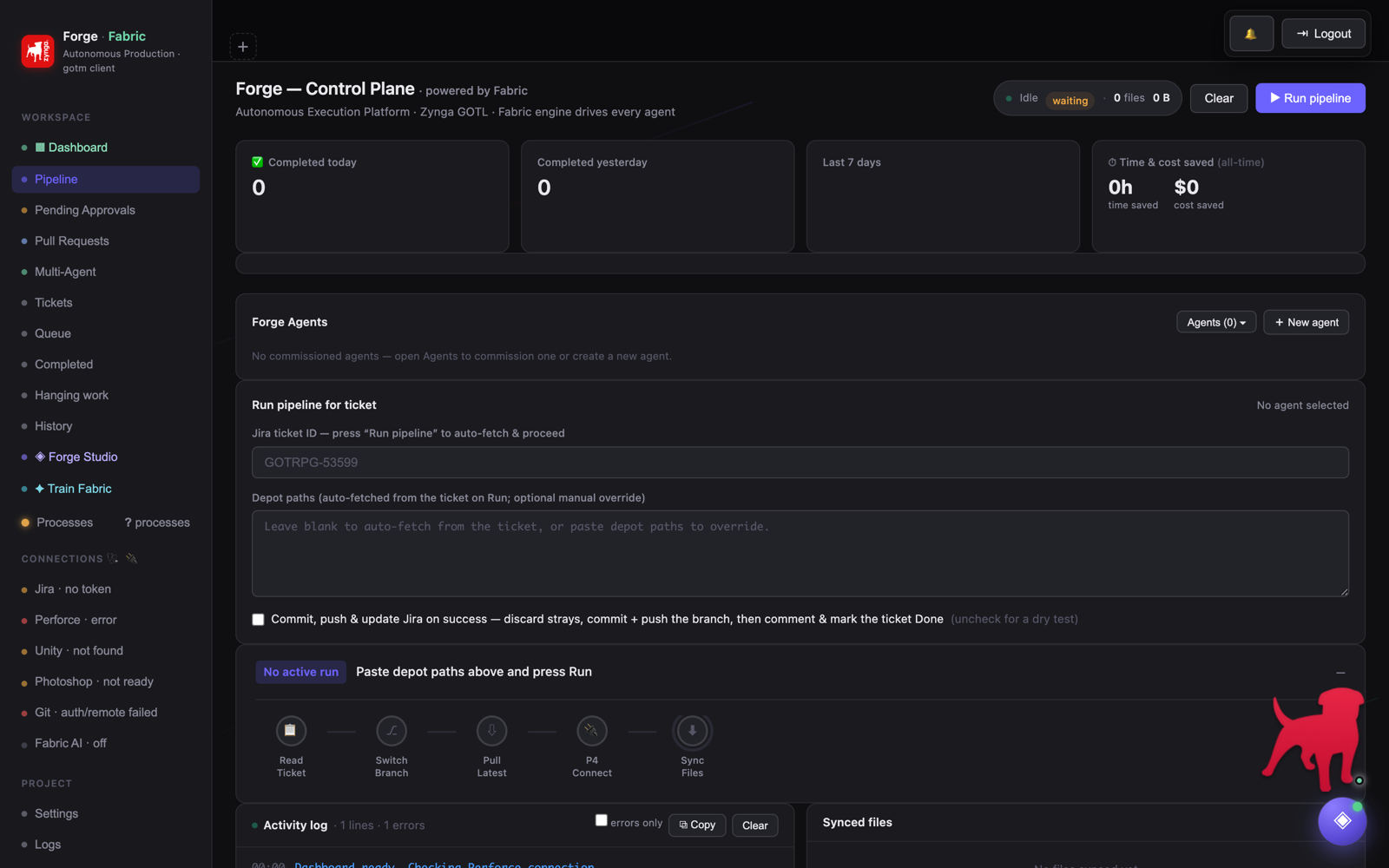
▶ PipelineAgent selection, ticket run controls, stages and logs.
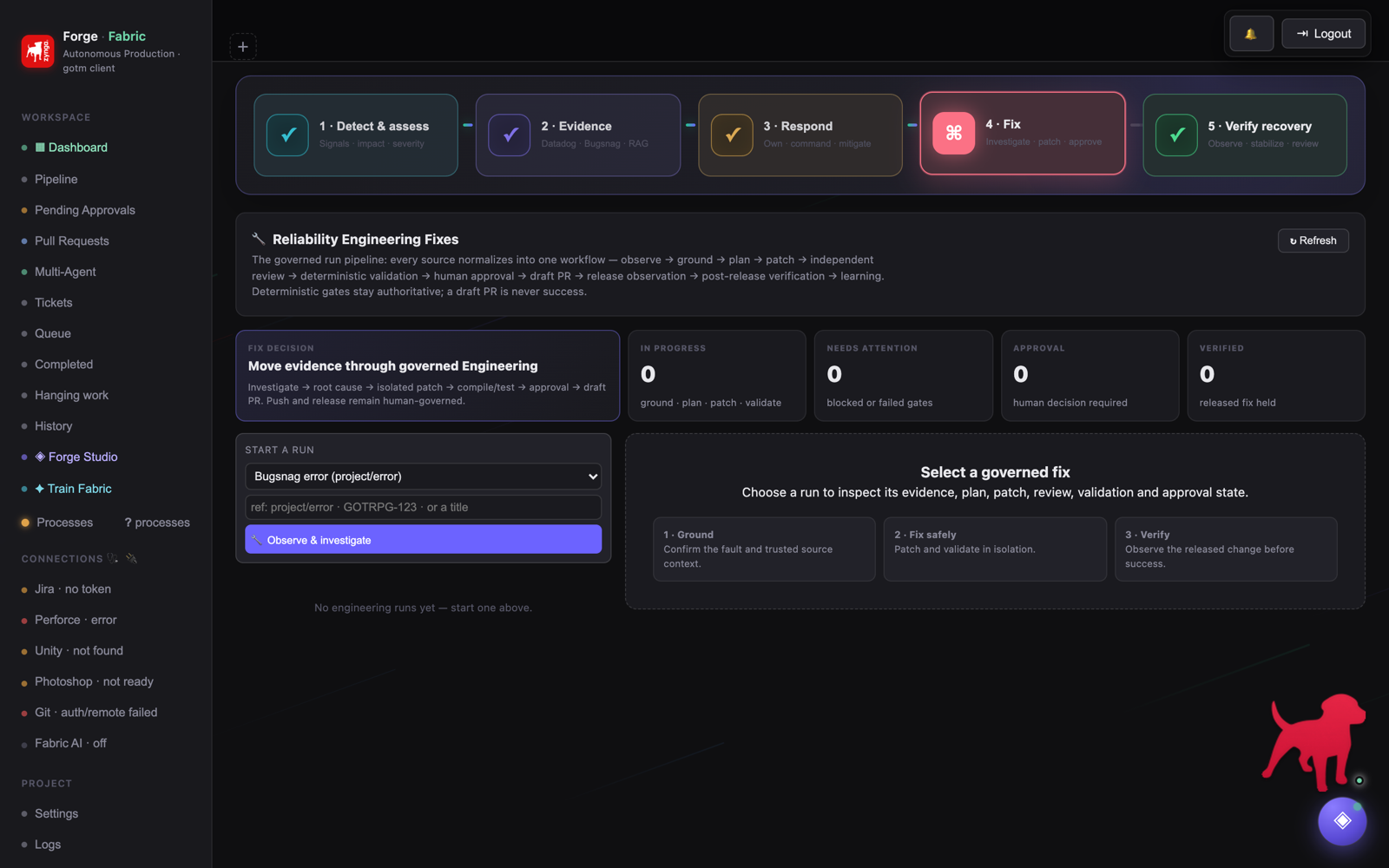
⚙ Autonomous EngineeringThe governed 17-state fix pipeline — observe to draft PR.
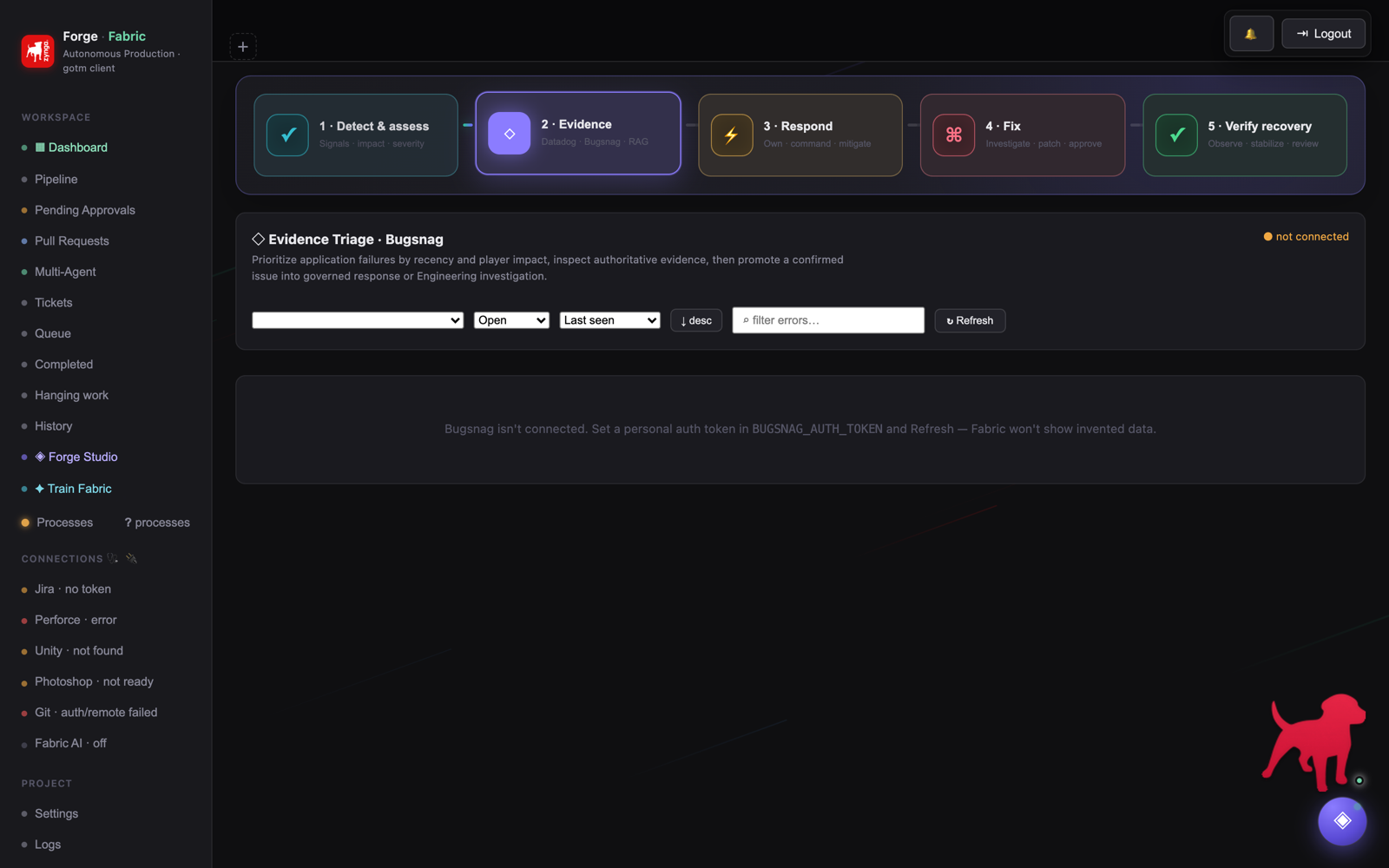
🐞 Bugsnag TriageCrash intelligence, localization and governed fix routing.
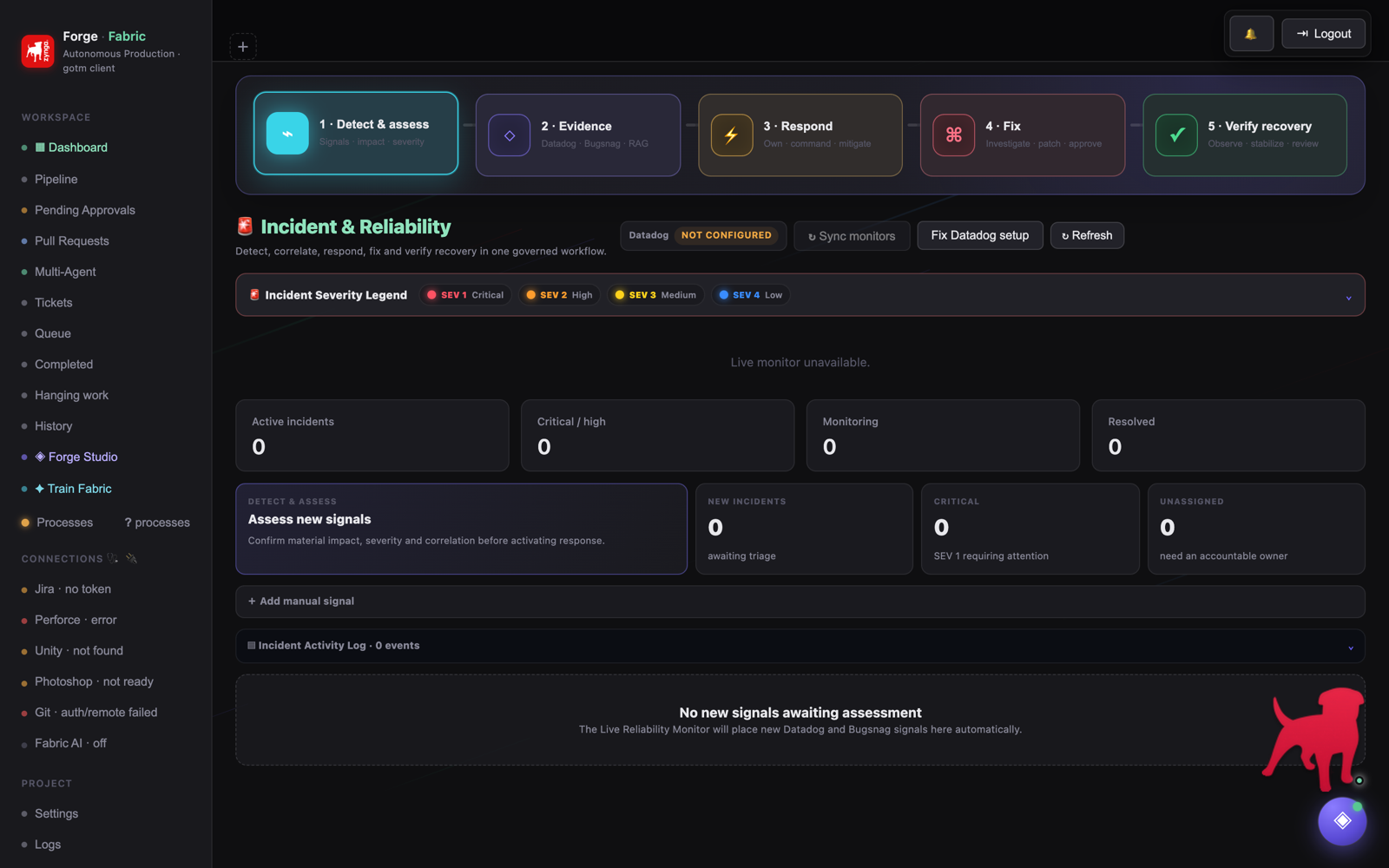
◮ Incidents & ReliabilityCorrelated production signals with a severity model.
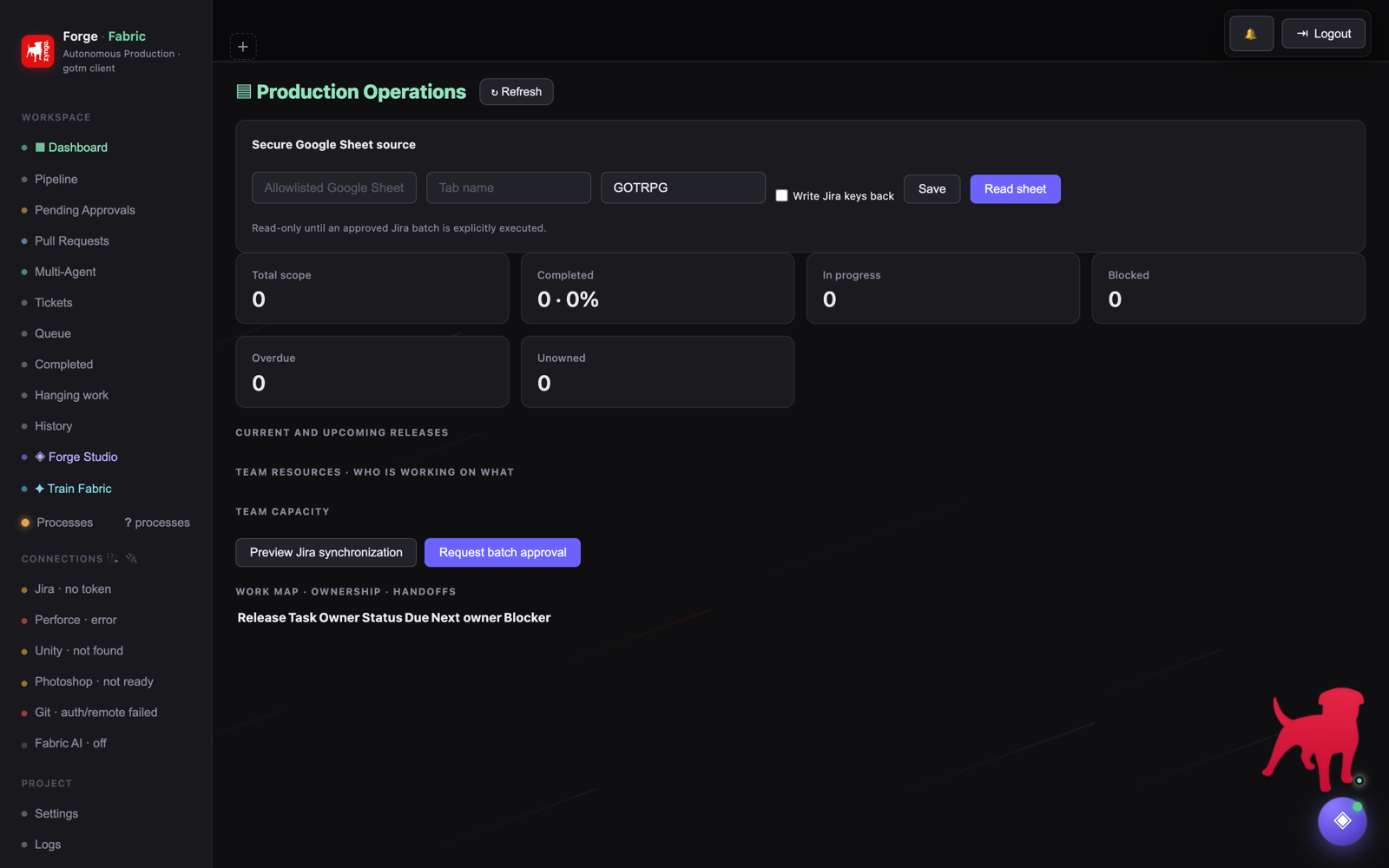
▤ Production OperationsGoverned Sheets planning and Jira synchronization.
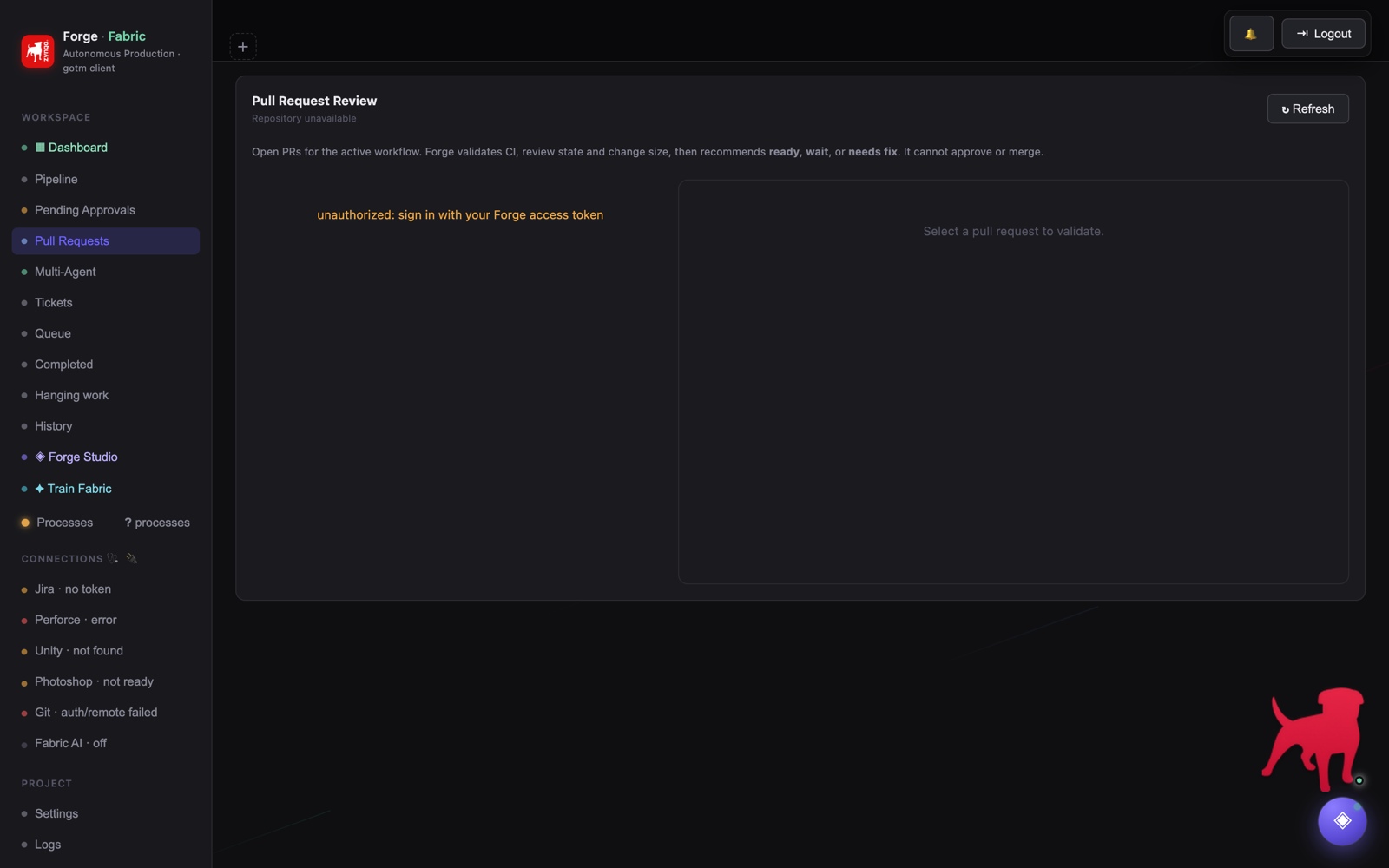
⑃ Pull RequestsDraft PRs from governed runs, awaiting human merge.
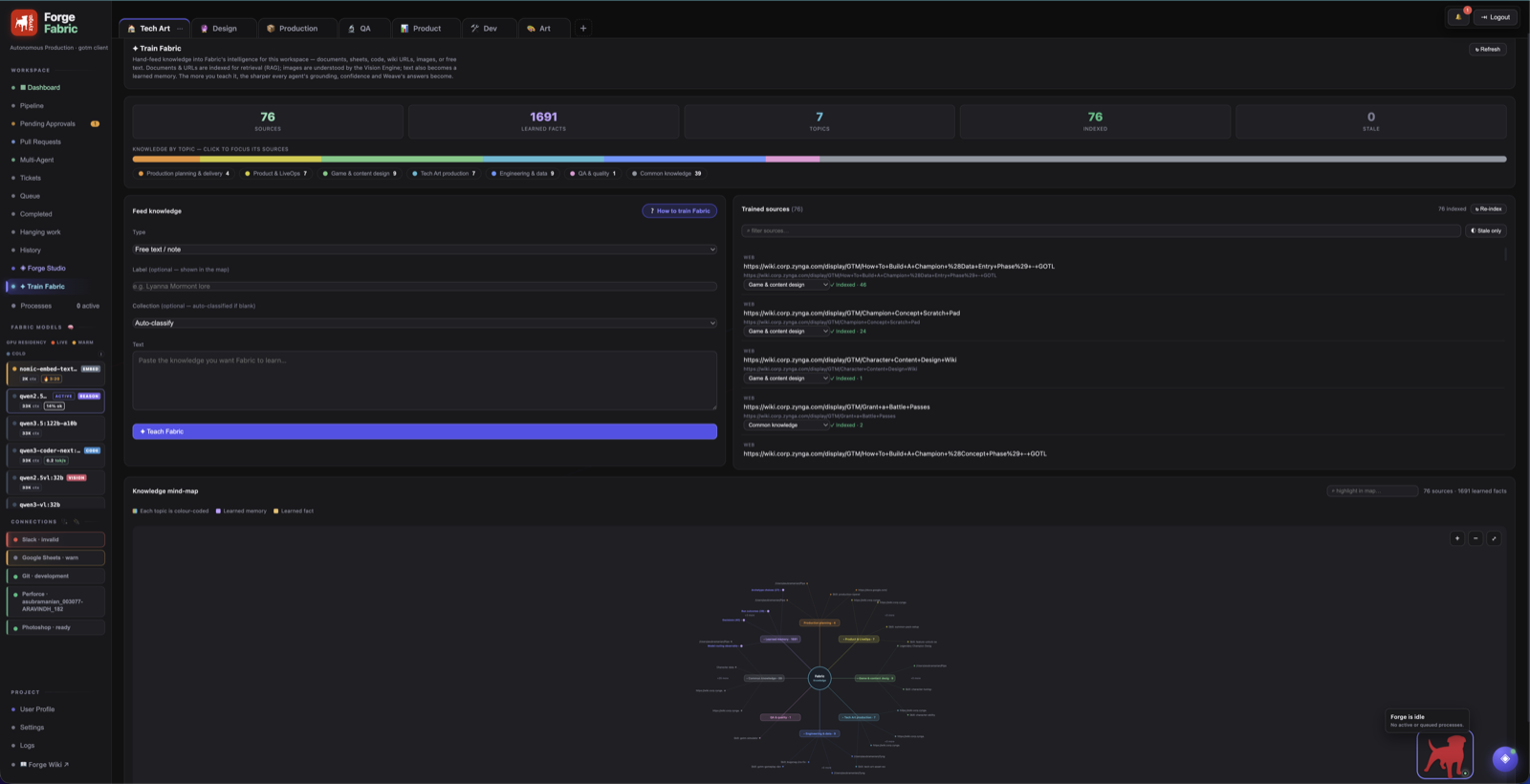
✦ Train FabricKnowledge mind-map — click a fact-kind to drill into what Fabric learned.
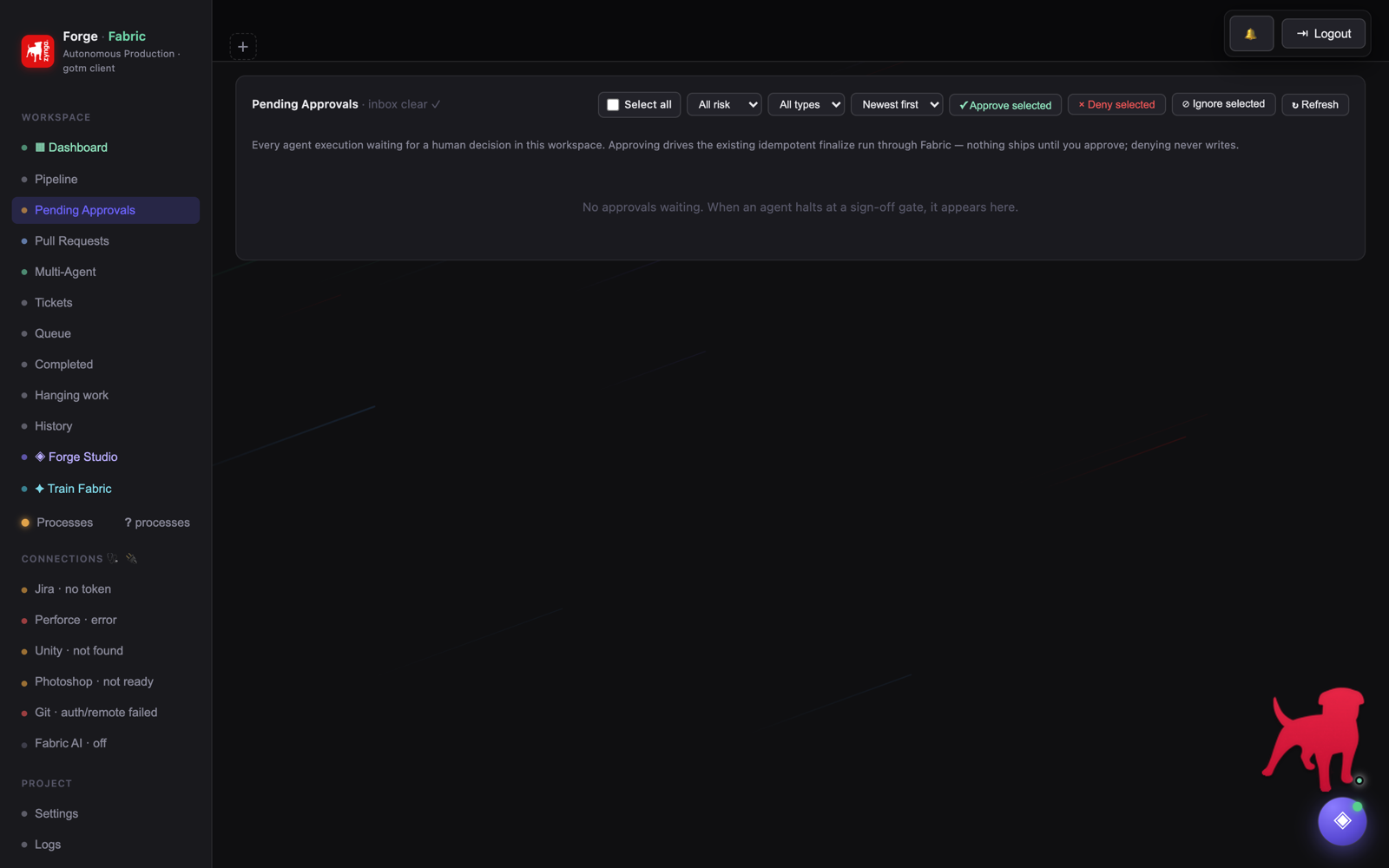
✓ Pending ApprovalsHuman sign-off inbox and risk filtering.
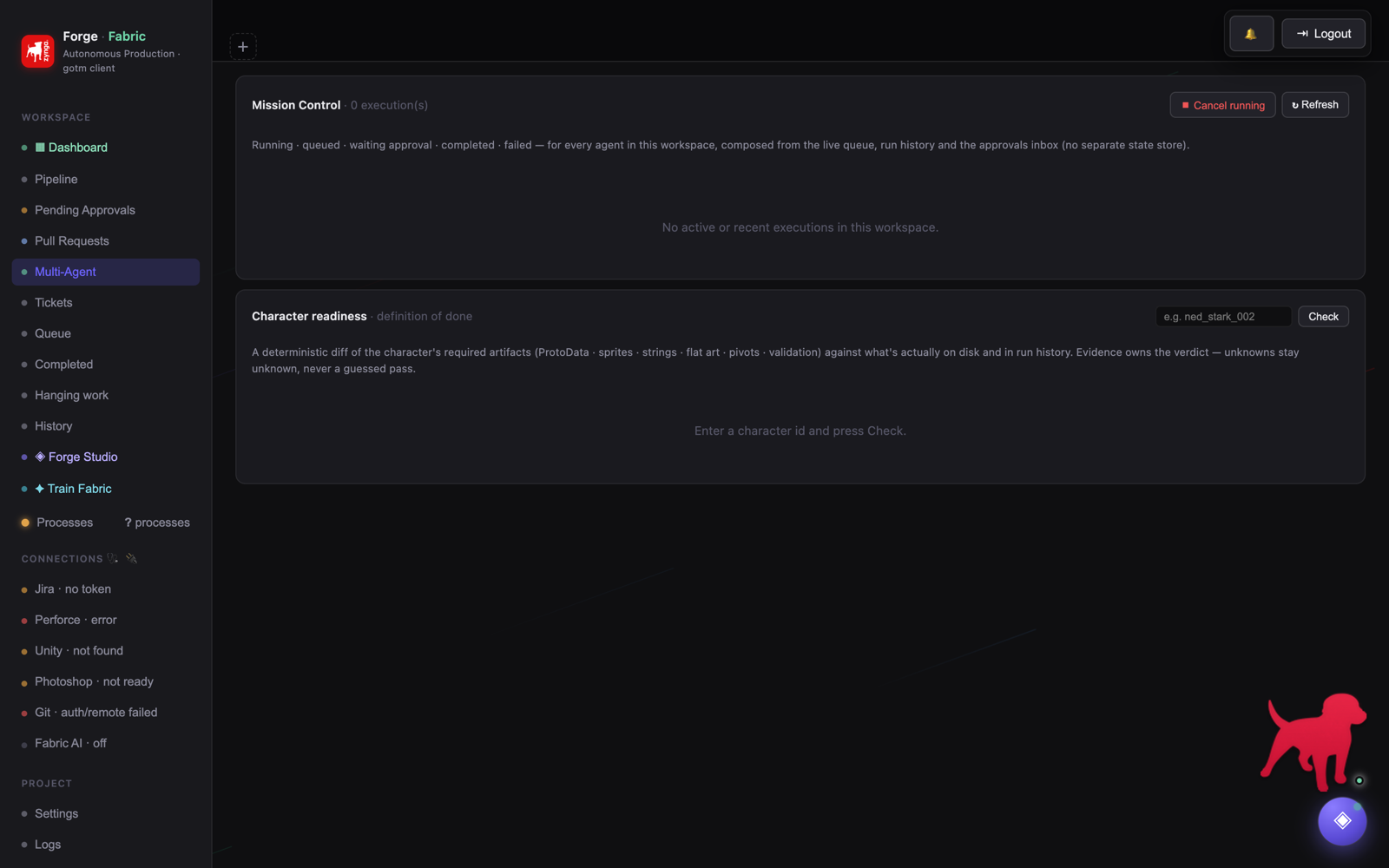
◈ Multi-AgentMission Control for all live and historical executions.
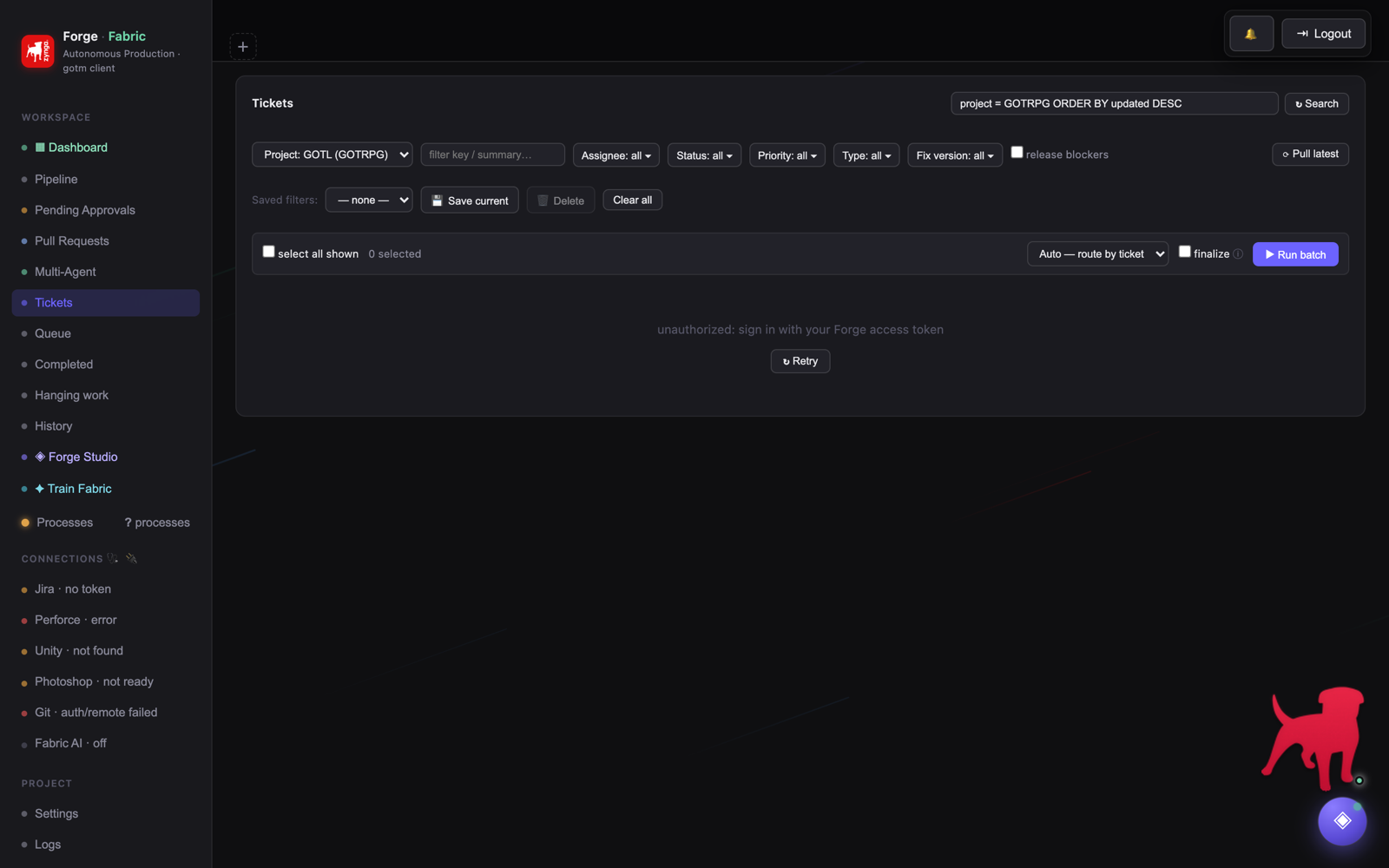
▤ TicketsJira project selection, filtering and ticket discovery.
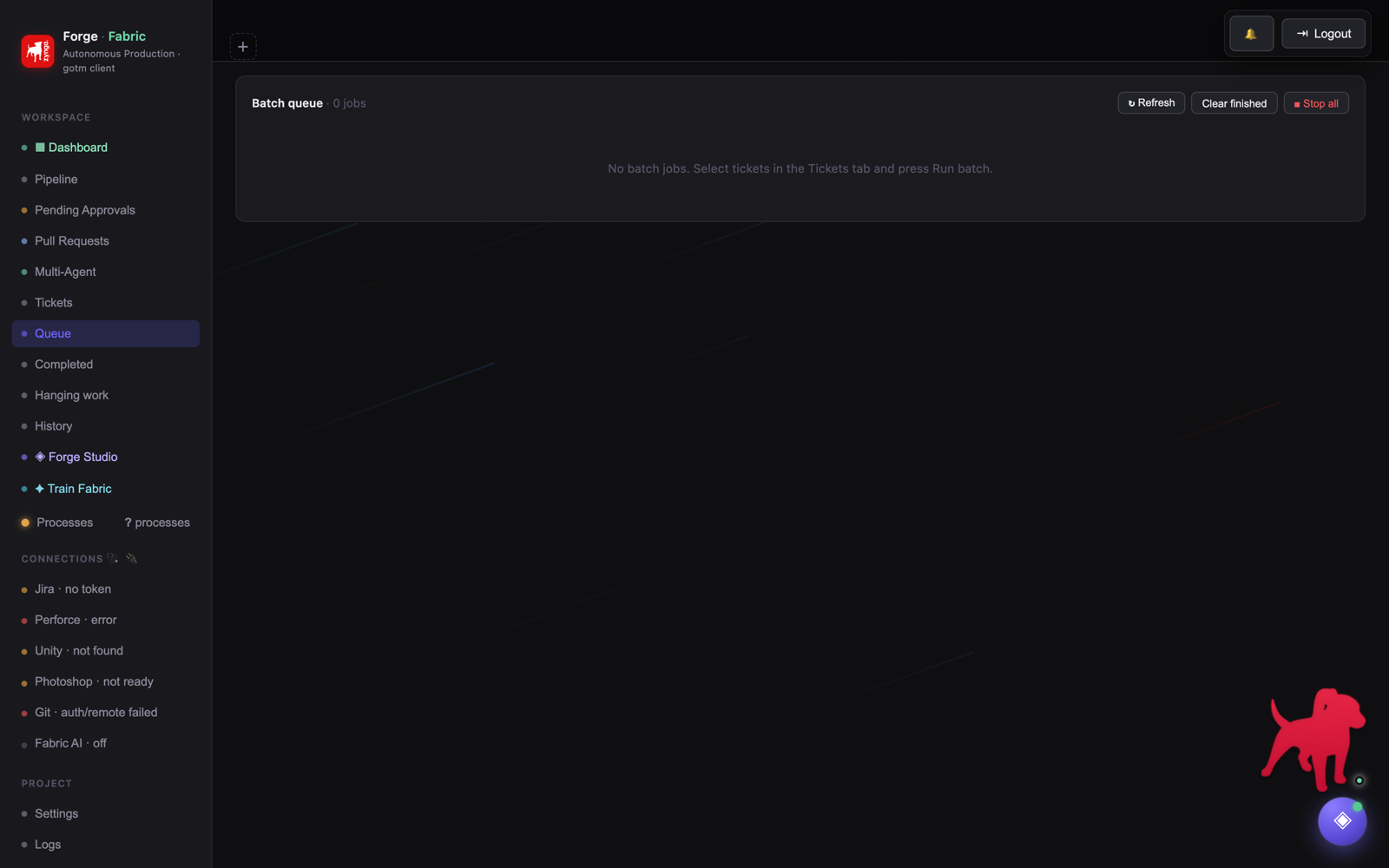
≡ QueueBatch job lifecycle and queue operations.
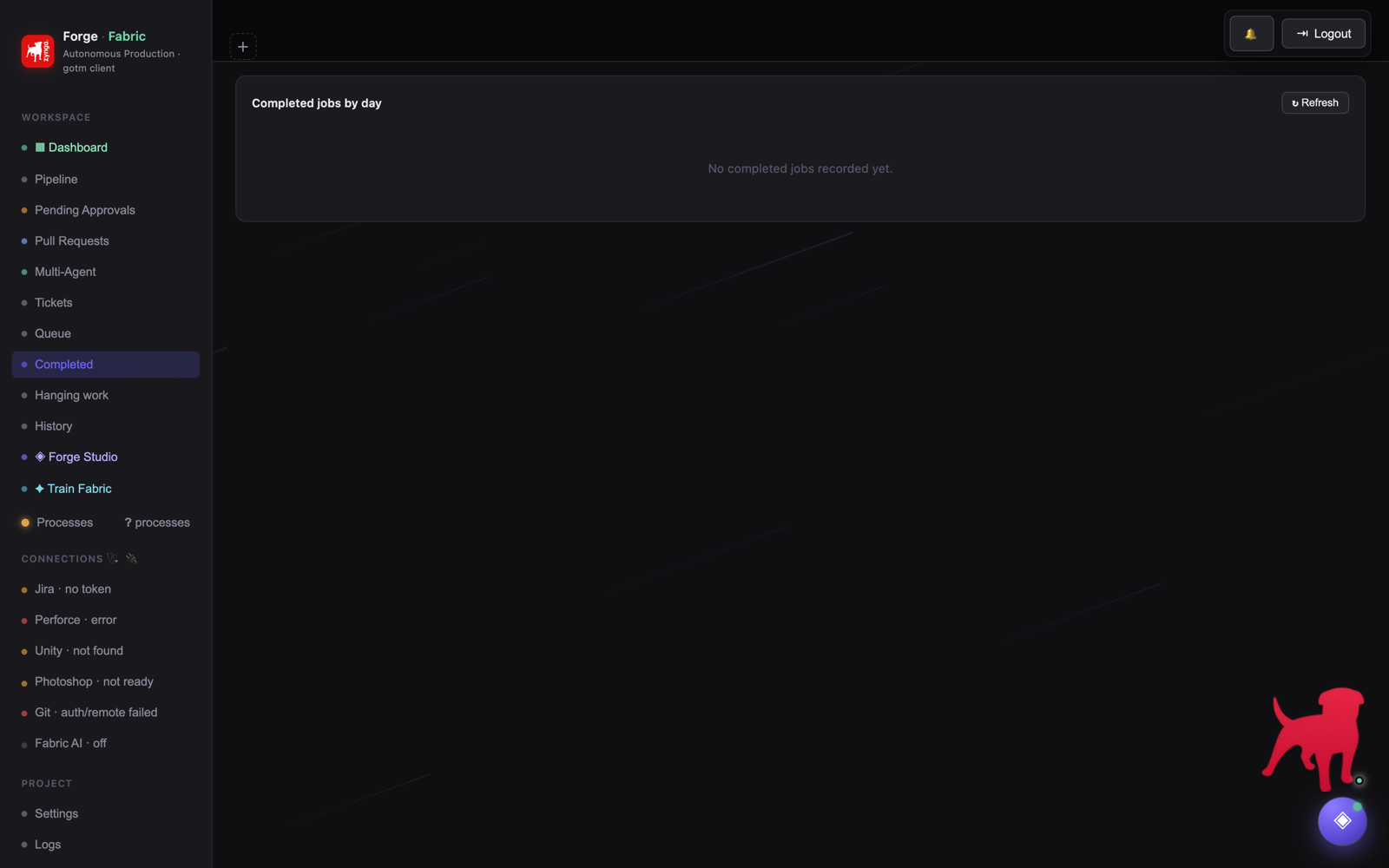
● CompletedDaily run outcomes and grouped history.
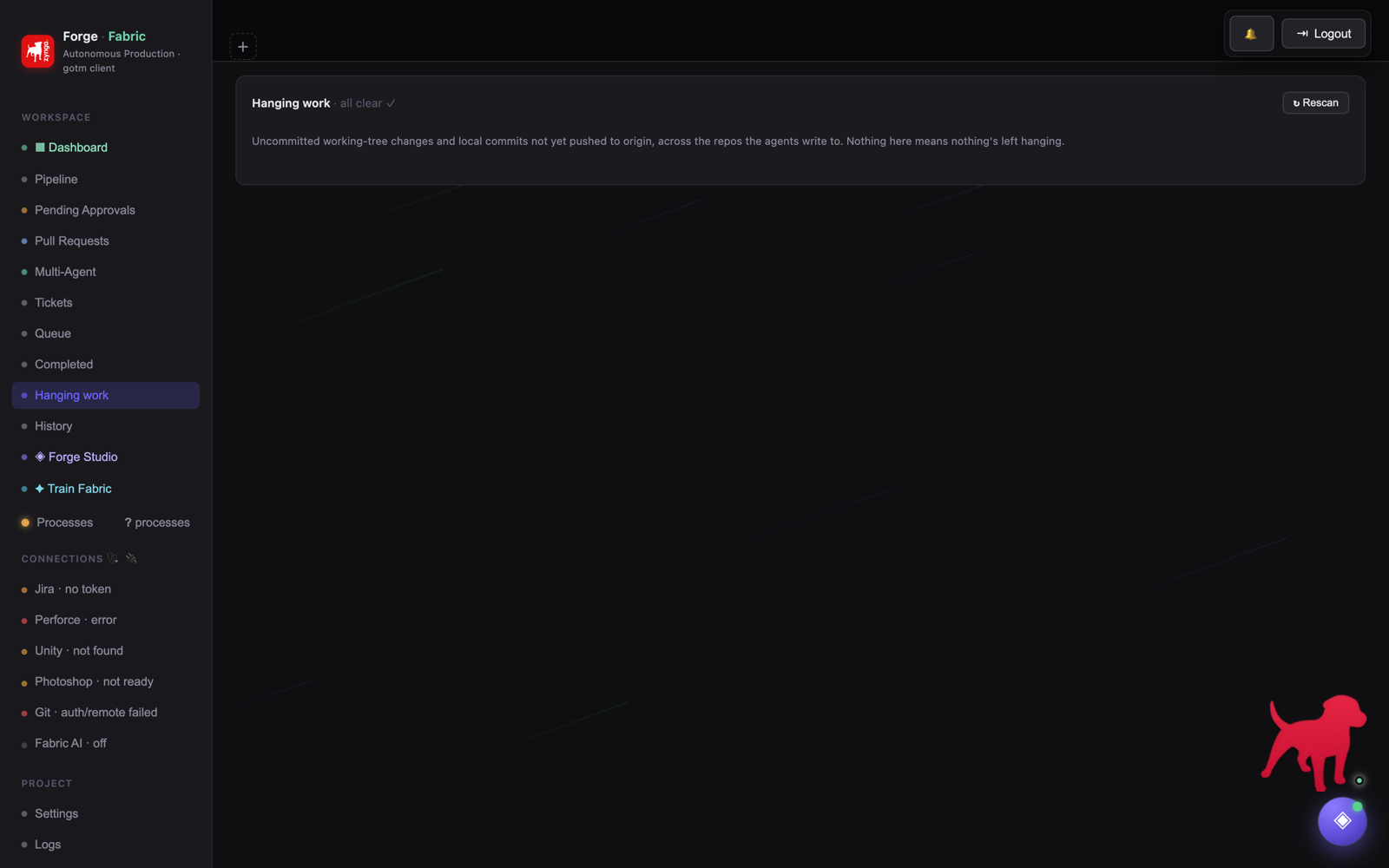
⚠ Hanging workUncommitted and unpushed repository changes.
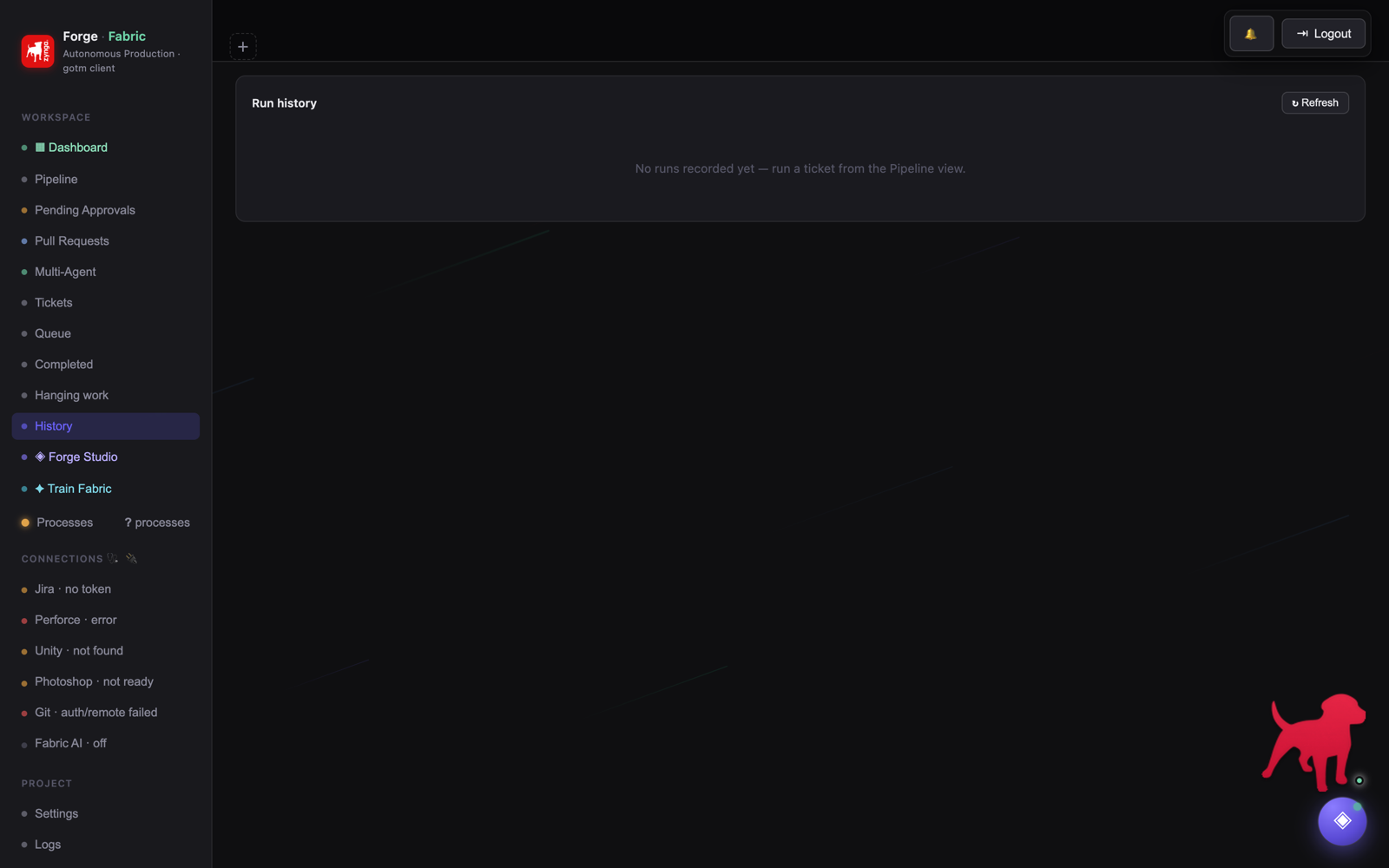
◷ HistoryDetailed chronological execution record.
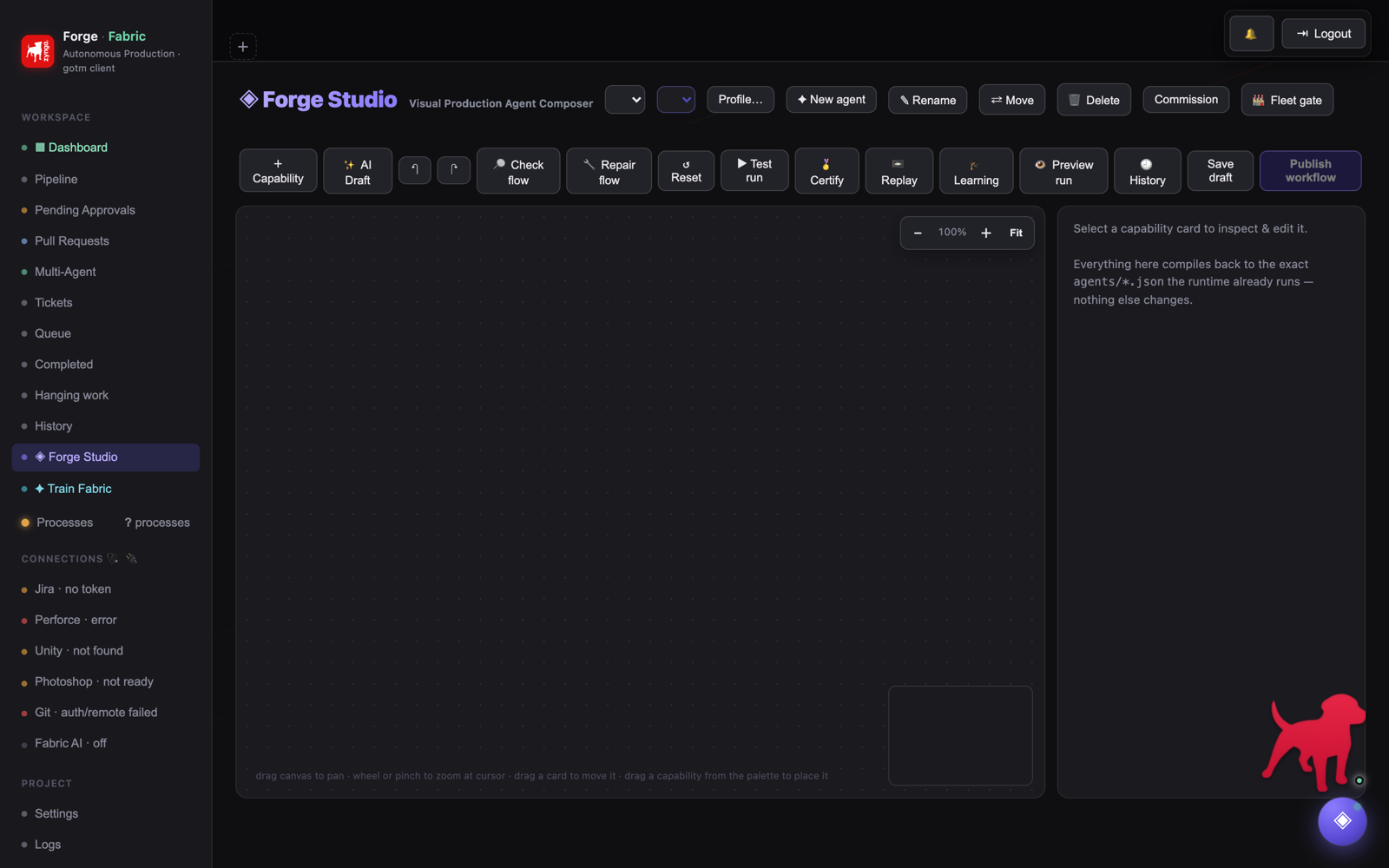
◇ Forge StudioAgent graph authoring, validation and certification.
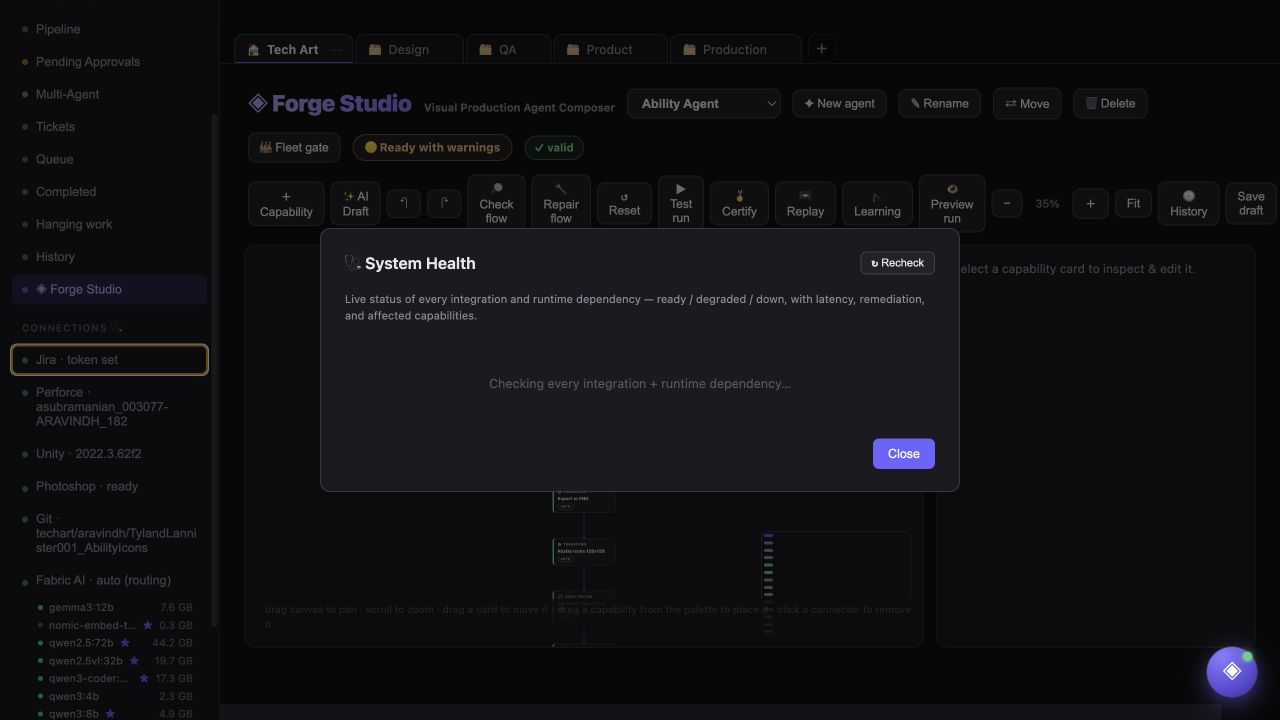
🩺 ConnectionsJira, P4, Unity, Photoshop, Git and AI health.
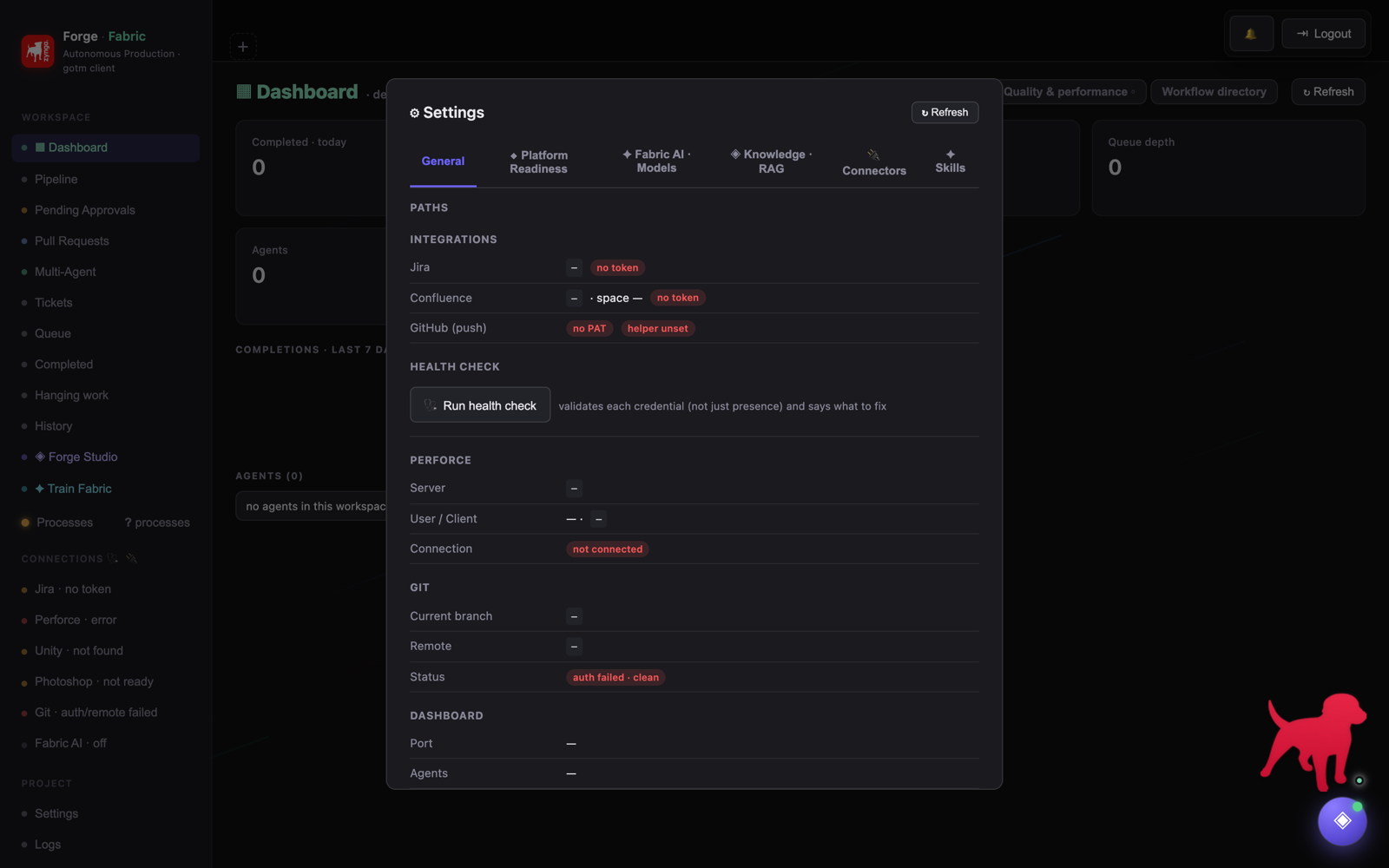
⚙ Settings & LogsIntegrations, RAG, preferences and diagnostics.
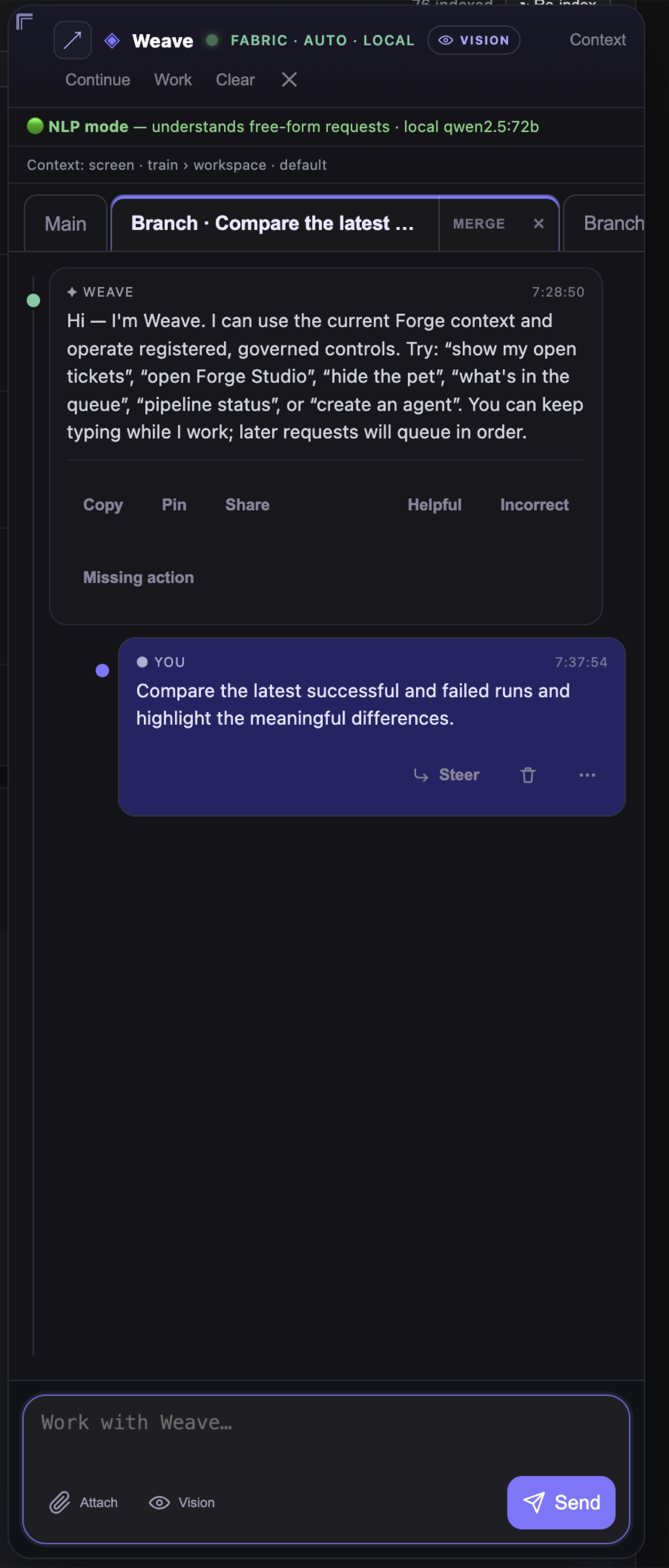
◈ WeaveConversational execution — Main/Branch tabs, governed actions and human gates.
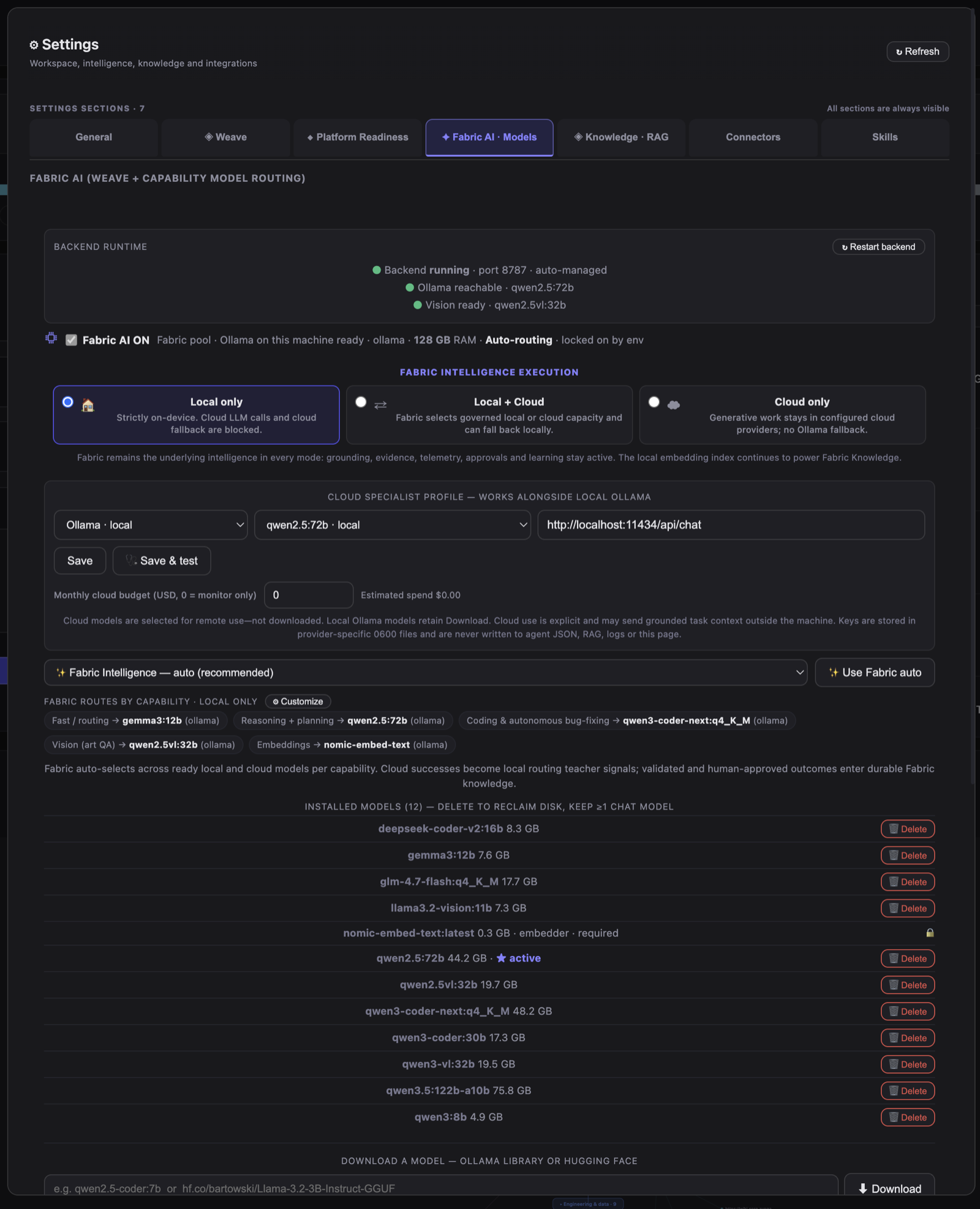
🧠 Fabric AI · modelsLive GPU-residency heat-map — warm/cold, routing lanes, throughput.
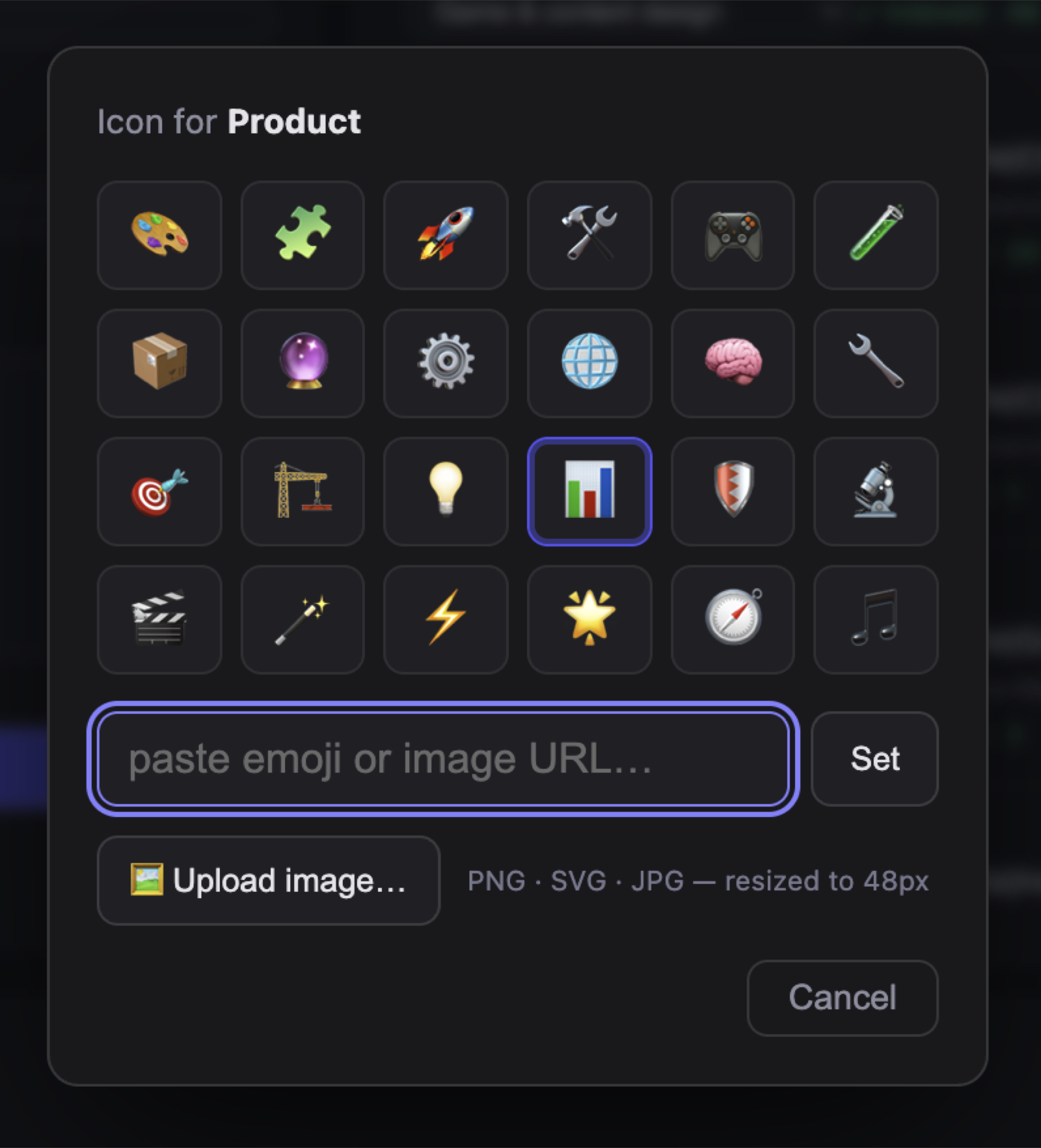
🎨 Workspace iconsPer-workspace emoji or an uploaded custom image icon.
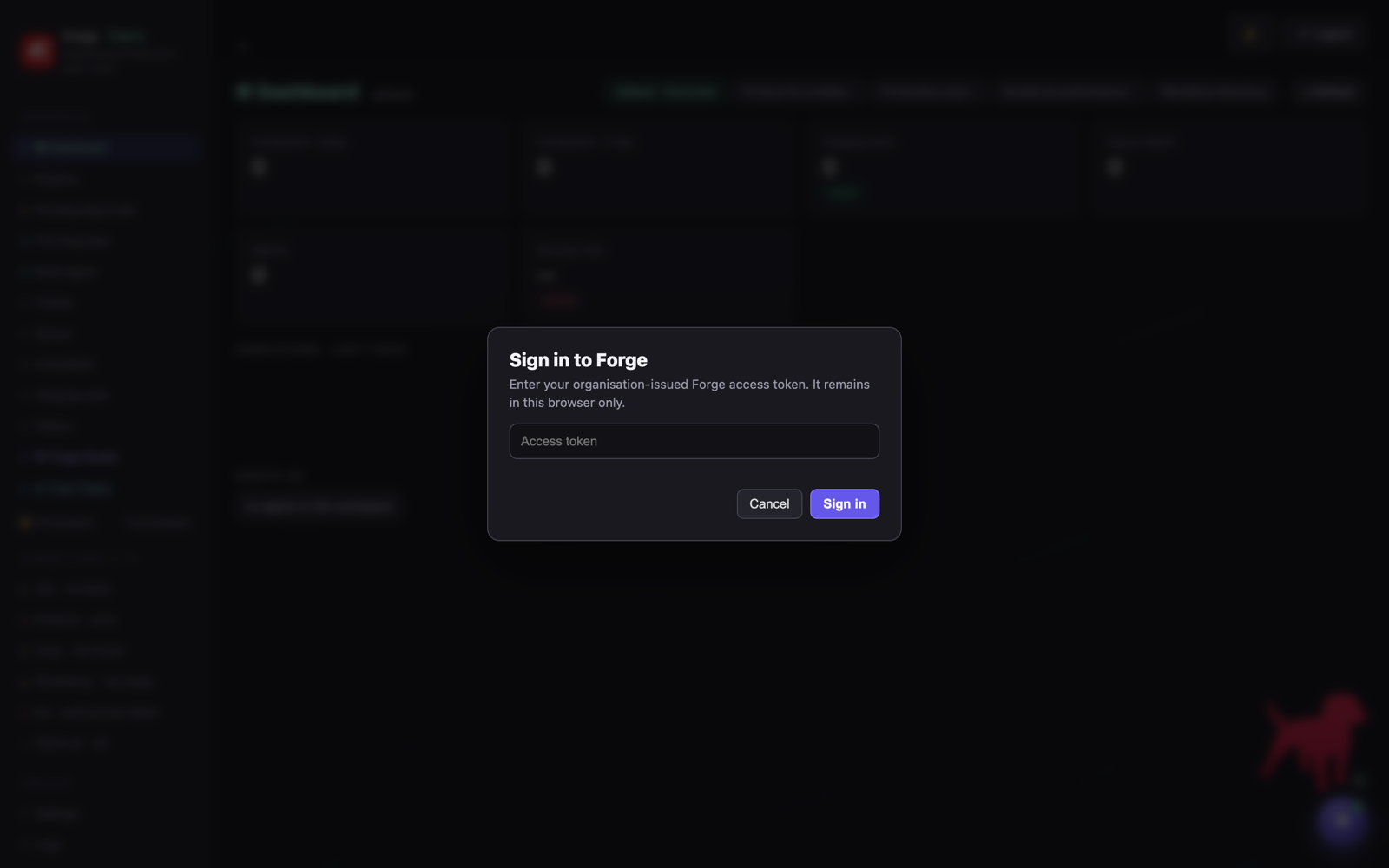
▭ DialogsSign-in, confirm, danger, prompt and the unsaved-changes guard.