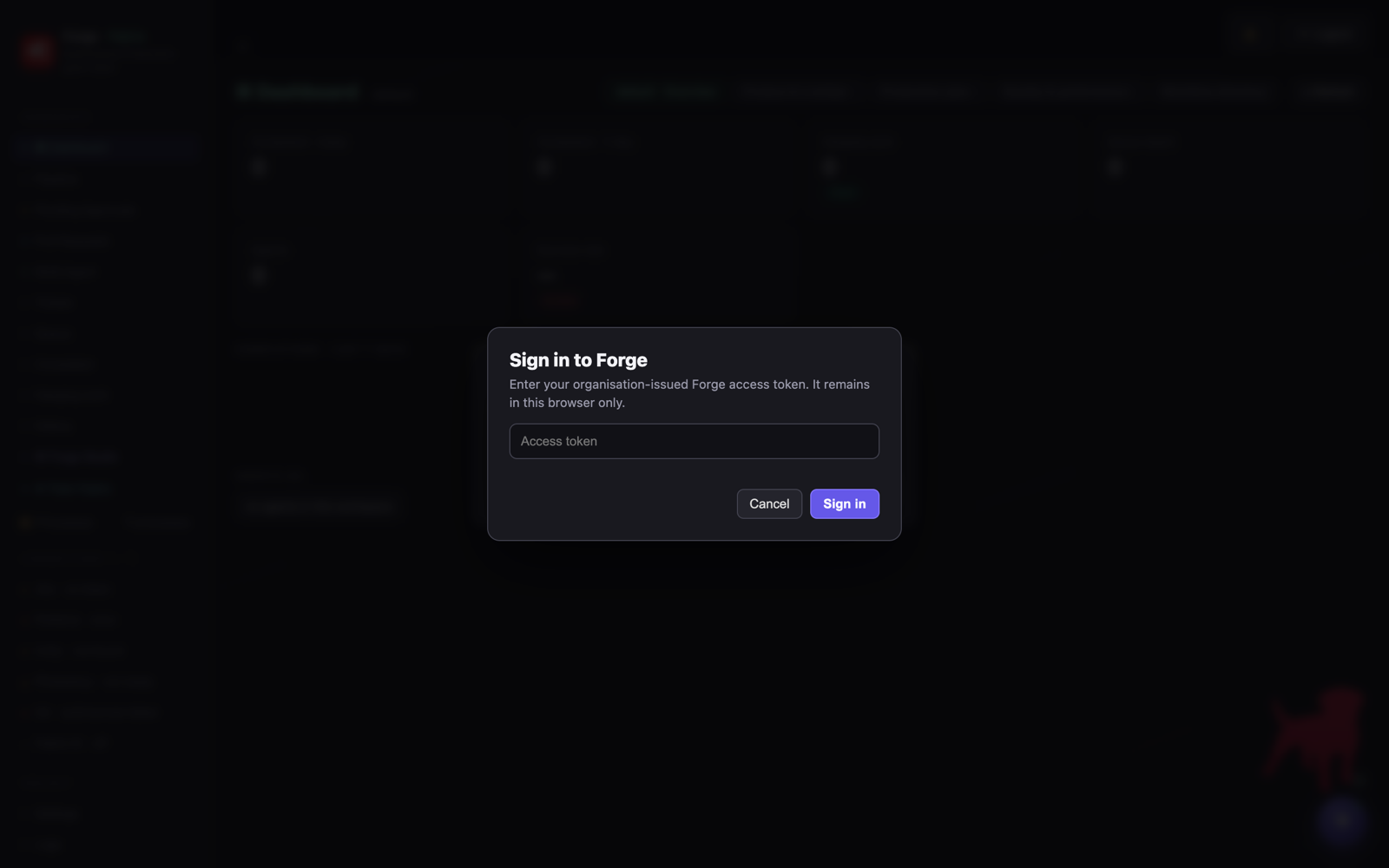
Forge uses a small set of reusable modal components across every screen. They share one visual language and one behavioural contract — Escape cancels, Enter confirms, clicking the backdrop cancels — so a destructive action always looks and behaves the same way wherever it appears. These are the dialogs you will actually encounter.
①
Authentication
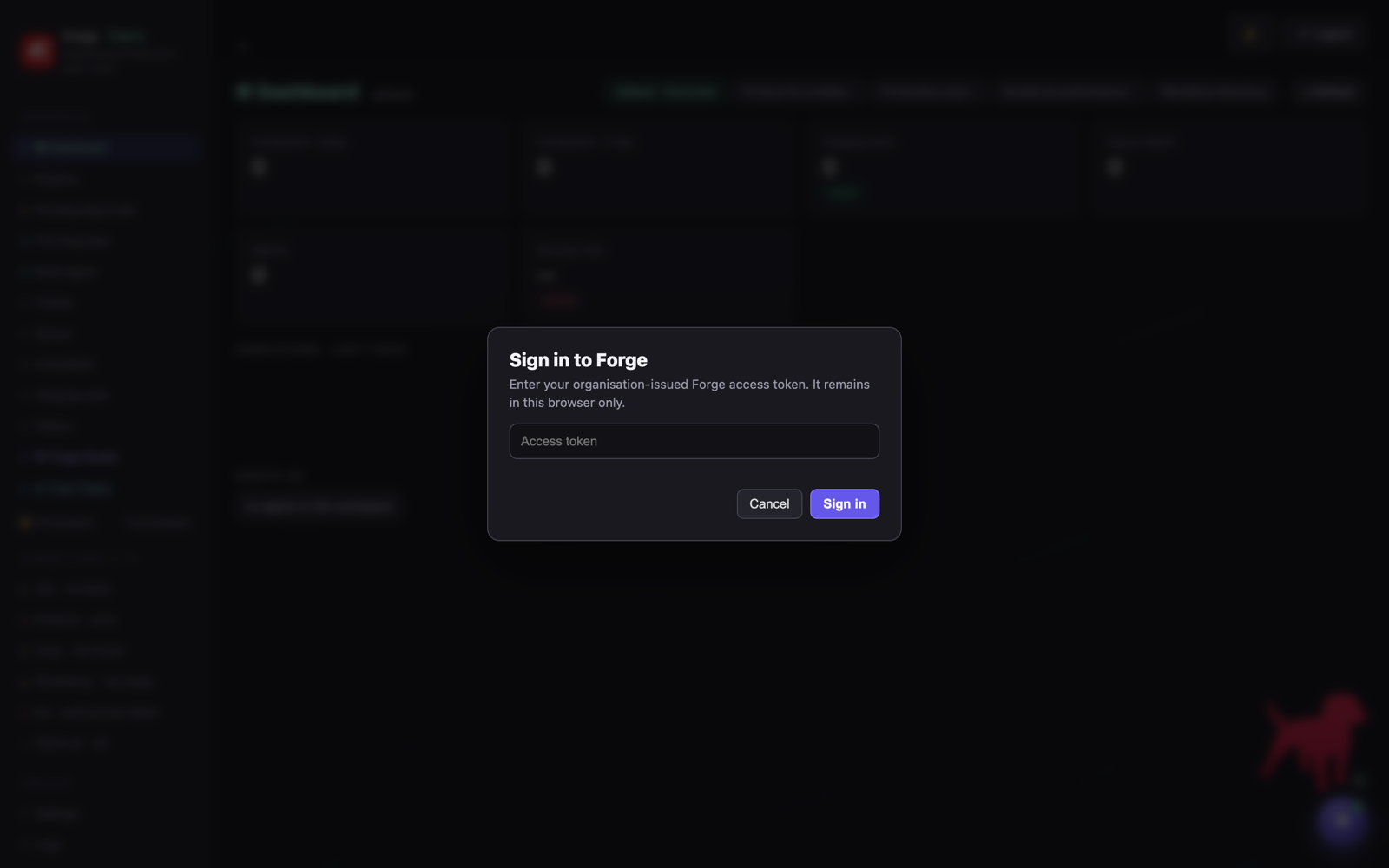
Sign in to Forge
Shown on first visit in multi-user mode. The organisation-issued access token is stored in the browser only and sent as X-Dashboard-Token; it never enters agent JSON, logs or screenshots.
②
Confirmation
Confirm
forgeConfirm(message, {title, okText}) — a neutral yes/no gate used before a consequential-but-reversible action, such as shipping a governed fix as a draft PR.
③
Destructive confirmation
Danger confirm
The same component with danger:true — a red primary action for irreversible operations, such as discarding a run and reopening its Bugsnag error.
④
Input
Prompt
forgePrompt(message, default, {title, okText}) — a single-field input used for operations that need one value, such as retargeting a run to a specific fault file.
⑤
Three-way guard
Unsaved changes
forgeTriChoice({okText, midText, cancelText}) — a Save-draft / Discard / Cancel guard shown before leaving Forge Studio with pending edits, so unsaved graph work is never lost silently.